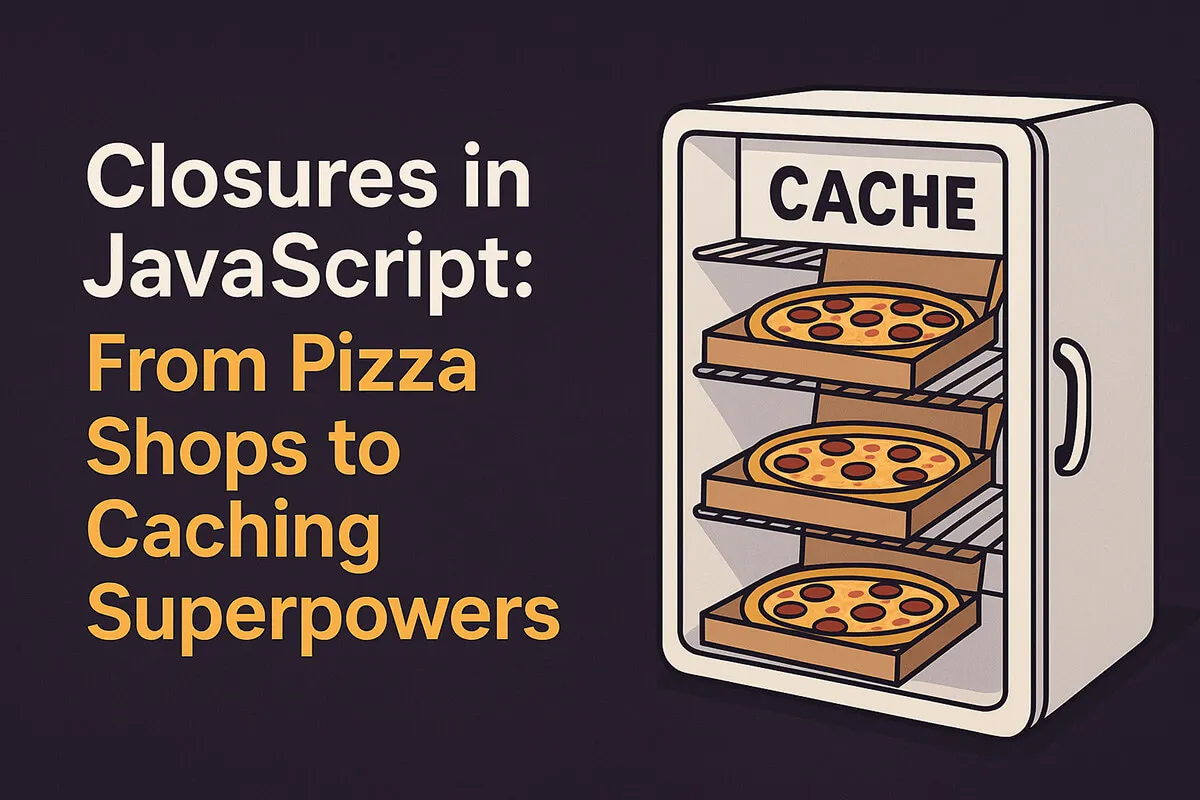
Closures often show up in JavaScript interviews, tutorials, and memes, but what do they really mean for us as developers? Are they just another abstract concept, or something you’ll actually use at work?
So here’s the story version, with real examples and some code that makes your app smarter.
What is a Closure? (The Pizza Analogy)
A closure happens when a function remembers variables from its outer scope, even after that outer scope is gone.
Imagine this:
- You order a pizza.
- The shop closes for the night.
- But you still have your pizza at home.
That pizza = closure variables. The shop = the outer function that’s already done running.
Your function still has access to the “pizza” even though the “shop” is closed.
Why Closures Are Super Useful
Closures give you three big superpowers:
- Data privacy. Variables stay safe from the outside world.
- Encapsulation. Related logic sits together in neat, reusable units.
- Memory and performance tricks, like caching or memoization.
Here’s how that plays out in practice.
Use Case 1: A Simple Cache
Imagine you’re building a weather app. APIs can be slow and cost money. Instead of hitting the API every time, use a closure to build a cache system.
function createCache() {
  const store: Record<string, any> = {}; // private cache

  return {
    get(key: string) {
      return store[key];
    },
    set(key: string, value: any) {
      store[key] = value;
    },
    has(key: string) {
      return key in store;
    },
  };
}

// Usage
const weatherCache = createCache();

async function getWeather(city: string) {
  if (weatherCache.has(city)) {
    console.log(` Returning cached result for ${city}`);
    return weatherCache.get(city);
  }

  console.log(` Fetching new data for ${city}`);
  // Fake API call
  const result = await new Promise((resolve) =>
    setTimeout(() => resolve(`${city}: ${Math.floor(Math.random() * 35)}°C`), 1000)
  );

  weatherCache.set(city, result);
  return result;
}

// Test
getWeather('Dhaka').then(console.log);
getWeather('Dhaka').then(console.log);
First call: fetches fresh data. Second call: returns instantly from cache.
Closures keep the store private, so nothing outside can mess with it.
Use Case 2: Rate Limiting with Closures
Closures can help us limit how often a function runs (e.g., API requests, button clicks).
function rateLimiter(fn: () => void, limitMs: number) {
  let lastRun = 0;

  return function () {
    const now = Date.now();
    if (now - lastRun >= limitMs) {
      lastRun = now;
      fn();
    } else {
      console.log('Too soon! Try again later.');
    }
  };
}

// Usage
const save = rateLimiter(() => console.log(' Saved!'), 2000);

save(); // runs
save(); // blocked (too soon)
setTimeout(save, 2100); // runs again
Here, lastRun stays hidden inside the closure, keeping track of when the function last executed.
Use Case 3: Custom Event Handlers
Closures let you attach state to event listeners without polluting global variables.
function clickCounter(buttonId: string) {
  let count = 0;

  document.getElementById(buttonId)?.addEventListener('click', () => {
    count++;
    console.log(` Button clicked ${count} times`);
  });
}

// Usage
clickCounter('like-btn');
Every button can have its own private counter thanks to closures.
Bonus Use Case: Function Factories
Closures also help build function factories, functions that create new customized functions.
function multiplier(factor: number) {
  return function (x: number) {
    return x * factor;
  };
}

const double = multiplier(2);
const triple = multiplier(3);

console.log(double(5)); // 10
console.log(triple(5)); // 15
Closures remember factor, so each returned function is personalized.
Closures as Long-Term Memory
Closures aren’t scary. They’re your JavaScript super toolkit, and with them you can:
- Keep data private
- Build caches
- Prevent spamming with rate limiters
- Track events
- Create function factories
Think of closures as giving your functions long-term memory: they don’t forget even when the outer world moves on.
So next time you hear “Closures are confusing”, just remember: They’re like pizza leftovers. The shop closed, but you still get to eat.