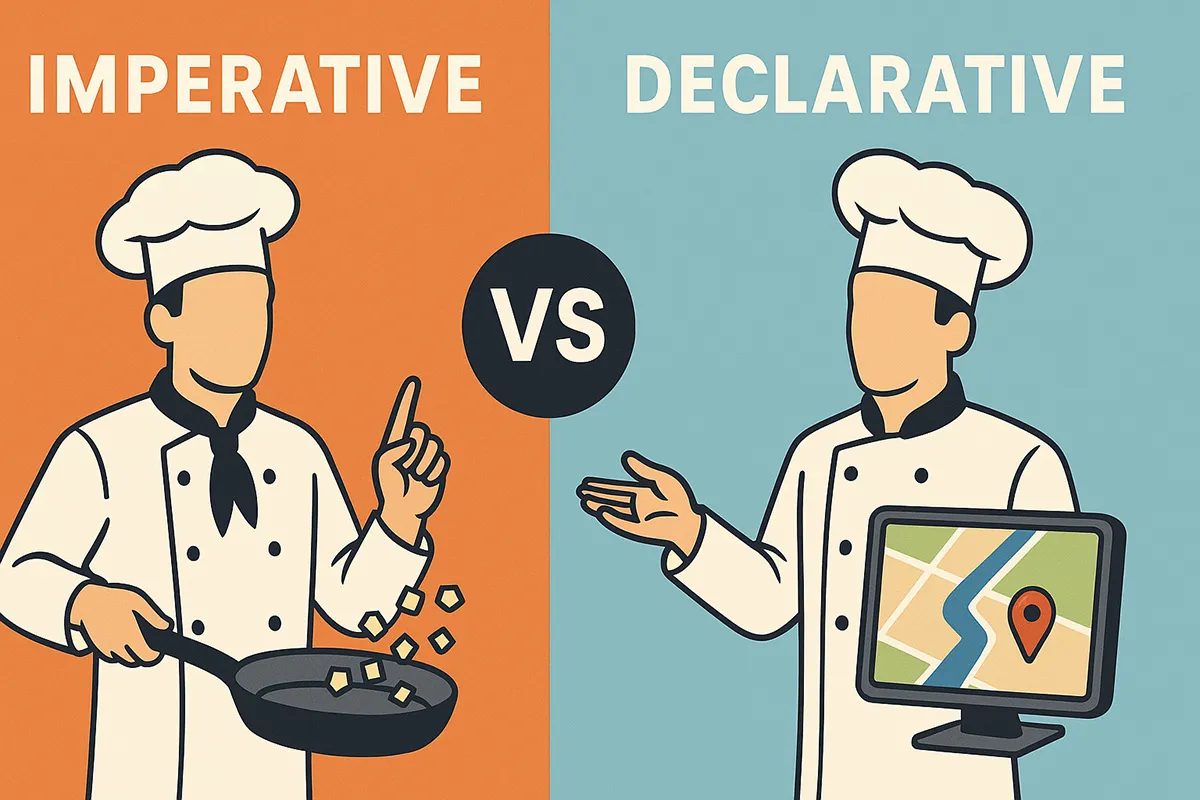
When you tell your friend how to get to your house, you have two choices:
- Imperative style: “Go straight, take the second left, then right after the tea shop, then climb the stairs…”
- Declarative style: “Just follow Google Maps.”
Both get the job done, but one micromanages every step, while the other simply declares the goal and lets the system figure it out.
That’s the essence of imperative vs declarative programming. And JavaScript/TypeScript let you dance between both worlds depending on the problem.
Here they are side by side, with code, cooking metaphors, and real-world use cases.
Imperative Is HOW, Declarative Is WHAT
-
Imperative = HOW You explain the steps. The computer follows instructions line by line.
-
Declarative = WHAT You explain the intent. The computer decides the steps internally.
Think of it like cooking:
- Imperative → “Chop onions, heat oil, fry until golden.”
- Declarative → “I want onion curry.”
First Taste: Arrays
Square numbers imperatively
const numbers = [1, 2, 3, 4];
const squares: number[] = [];

for (let i = 0; i < numbers.length; i++) {
  squares.push(numbers[i] * numbers[i]);
}
Square numbers declaratively
const numbers = [1, 2, 3, 4];
const squares = numbers.map((n) => n * n);Everyday Use Cases
1. Filtering & Mapping Data
Imperative
const evens: number[] = [];
for (let n of [1, 2, 3, 4, 5]) {
  if (n % 2 === 0) evens.push(n * 2);
}
Declarative
const evens = [1, 2, 3, 4, 5].filter((n) => n % 2 === 0).map((n) => n * 2);2. Async Workflows
Declarative (promise chain)
fetch('/api/data')
  .then((r) => r.json())
  .then((items) => items.filter((x: any) => x.active))
  .then((active) =>
    fetch('/api/save', {
      method: 'POST',
      body: JSON.stringify(active),
    })
  )
  .catch(console.error);
Imperative (async/await)
try {
  const r = await fetch('/api/data');
  const items = await r.json();
  const active = items.filter((x: any) => x.active);
  await fetch('/api/save', { method: 'POST', body: JSON.stringify(active) });
} catch (err) {
  console.error(err);
}3. DOM & UI Updates
Imperative DOM
const button = document.createElement('button');
button.textContent = 'Click me';
button.addEventListener('click', () => alert('Clicked!'));
document.body.appendChild(button);
Declarative React
function App() {
  return <button onClick={() => alert('Clicked!')}>Click me</button>;
}4. Validation
Imperative
function validateEmail(email: string) {
  if (!email.includes('@')) return false;
  return true;
}
Declarative
import { z } from 'zod';
const schema = z.object({ email: z.string().email() });
schema.parse({ email: 'me@example.com' });Fun Extra Examples
Timers (imperative is better)
let counter = 0;
const id = setInterval(() => {
  console.log('Tick', ++counter);
  if (counter >= 5) clearInterval(id);
}, 1000);
Animations (declarative is better)
<div class="box"></div>

<style>
  .box {
    transition: transform 0.5s;
  }
  .box:hover {
    transform: scale(1.2);
  }
</style>
Game Loop (imperative is better)
let x = 0;
function loop() {
  x += 1;
  draw(x);
  requestAnimationFrame(loop);
}
loop();
Data Queries (declarative is better)
const sales = orders
  .filter((o) => o.status === 'paid')
  .map((o) => o.amount)
  .reduce((a, b) => a + b, 0);
Pros & Cons
| Imperative | Declarative | |
|---|---|---|
| Readability | Verbose, low-level | Clean, high-level |
| Control | Full control over details | Abstracted away |
| Performance | Tunable & optimized | Usually “good enough” |
| Maintainable | Gets messy at scale | Easier to reason about |
| Learning | Intuitive for beginners | Requires trust in abstractions |
Rules of Thumb
-
Choose declarative when:
- Code should express intent clearly.
- You’re in frameworks like React, Vue, RxJS.
- Business rules/configs need to be changed easily.
-
Choose imperative when:
- You need fine-grained control (timers, resources).
- Performance-critical loops matter.
- Abstractions don’t fit edge cases.
Key Takeaway
Think of imperative code as manual driving mode and declarative code as autopilot with GPS.
Both are essential. One gives you control; the other gives you clarity.
The art of being a great developer is knowing when to switch gears.